Backup & Sync - Loading data from another device
Create and restore iCloud or local backups, including confirmation when a backup uses a different Financial Time Zone.
Automatic backups
Automatic iCloud Backups is on by default. Each device backs up to your iCloud account when iCloud is available.
- Mac: A backup is scheduled after each save. Saves close together may be combined into one backup.
- iPhone and iPad: A backup runs after Foreseenly moves to the background, such as when you switch to another app. It usually starts within about 10 seconds; uploading may take longer.
To turn this off, open Settings, set Automatic iCloud Backups? to No, then save. Choose Yes to turn it back on.
Restore a backup
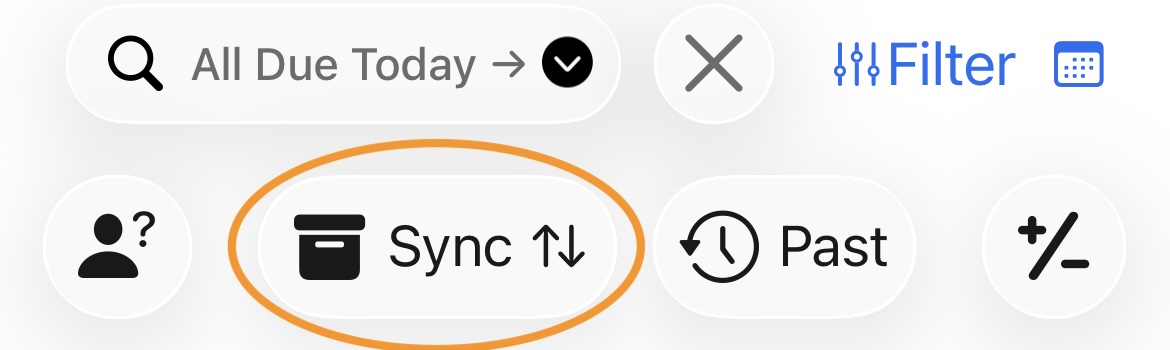
You can also create an iCloud or local backup manually from this screen.
- Open Backup & Sync.
- Choose the latest backup from another device, a backup from a specific device, or a local backup.
- Review the restore details and confirm.
Before restoring, Foreseenly creates a local fallback copy of your current data.
Financial Time Zone during restore
If the iCloud backup uses a different Financial Time Zone, Foreseenly shows the proposed change and asks you to confirm before restoring. Review the time zone and continue only when it matches the primary home and bank accounts represented by that backup.
The Backup & Sync screen also supports sharing data across different iCloud accounts. This is intended mainly for view-only access, not real-time collaboration.
Was this article helpful?
Your vote helps QApps find articles that need clearer steps or better screenshots.
What was missing?