FAQ: How to Tape Roll?
Tape roll can be enabled in the Landscape mode only on compatible iPhone and iPad devices....
Overview
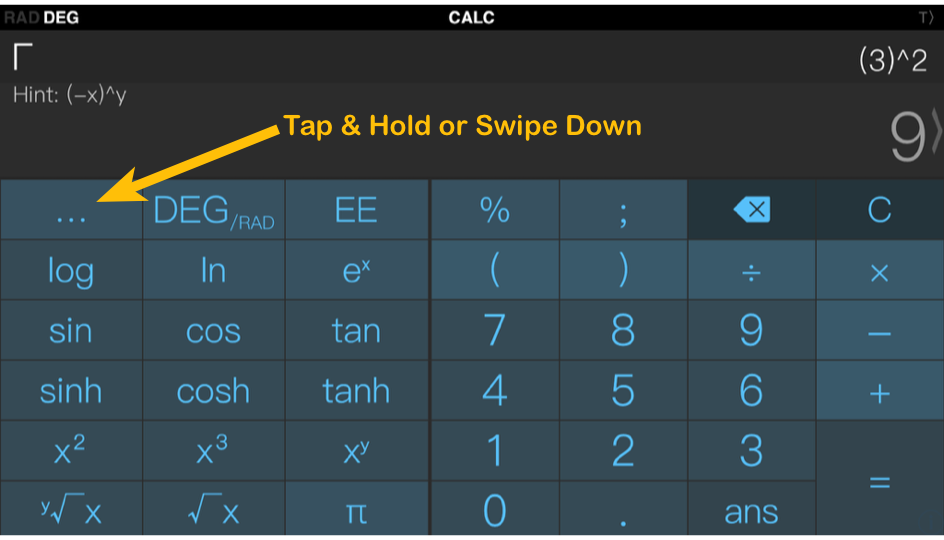
Tape roll can be enabled in the Landscape mode only on compatible iPhone and iPad devices. Just Tap & Hold on the "..." dots button in the upper left corner of the scientific keyboard layout. Alternatively you can also swipe down on the same button...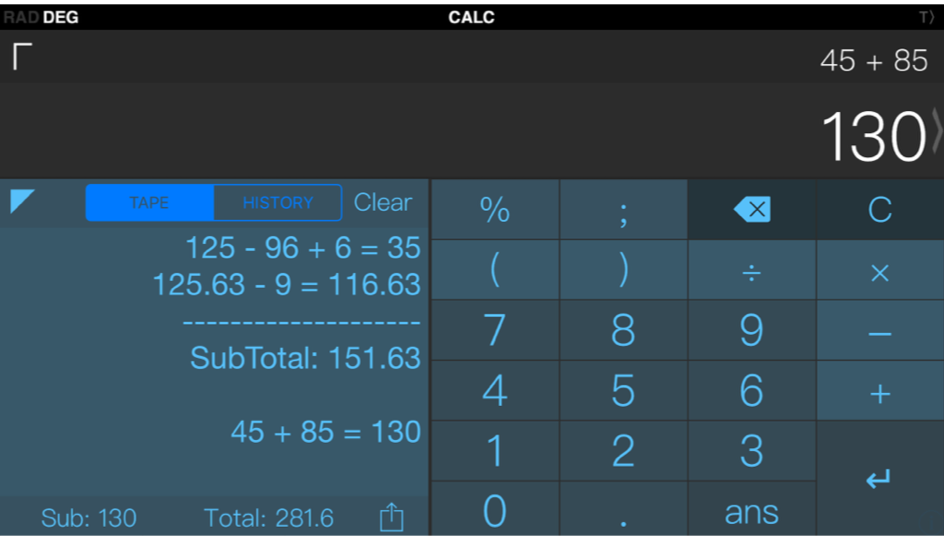
Need more help? Search this product's help articles, share a product idea, or send a ticket if you still need help.
Was this article helpful?
Your vote helps QApps find articles that need clearer steps or better screenshots.
What was missing?